
What if the app you just installed is quietly selling your location, contacts, or browsing habits?
Most people tap Install without checking, and data collection can start within seconds.
This quick, practical checklist shows how to evaluate app privacy on Android and iOS.
You’ll learn the exact checks to run: permissions, store privacy labels, privacy policies, third-party trackers, and update history, so you can decide in under five minutes.
Read this and stop guessing about what apps are doing with your data.
Quick Checklist to Assess App Privacy Risk (Start Here)

Most people install apps seconds after finding them. They don’t pause to think about whether the developer’s going to scrape their contacts or ping their exact location to ad networks every few minutes. Speed matters here, because once an app fires up its SDKs, data collection starts instantly. Sometimes within milliseconds. And reversing that exposure? Good luck.
This checklist works for both Android and iOS. The platforms show privacy info differently, but Google Play Data Safety labels and Apple’s Privacy Nutrition Labels do the same job: they tell you what data the app collects, whether it gets shared with third parties, and what security practices the developer claims to follow. Cross-reference those declarations with the permissions the app actually requests. Inconsistencies? That’s your warning light.
Permissions and privacy policies are the two things you can actually check before hitting install. An app that wants microphone access when it’s just a shopping list, or a privacy policy packed with “we may share data with partners and affiliates for purposes that include but are not limited to analytics and marketing”… yeah, that should worry you. Vague language usually hides aggressive data monetization.
Run through these eight steps every time you’re looking at a new app or reconsidering one you’ve already got:
- Check the full permission list in the App Store or Play Store.
- Match claimed features against required permissions. Flashlight asking for contacts? Stop right there.
- Read the privacy policy. Flag anything vague: “may,” “partners,” “affiliates,” “for various purposes.”
- Identify what data categories get collected. Identifiers, precise location, browsing history, contacts, health data.
- If the app’s on both platforms, compare the Android Data Safety label with the iOS one. Discrepancies mean incomplete or dishonest disclosure.
- Research the developer. Look at their other apps, read reviews about data practices, search for past enforcement actions or security breaches.
- Look for explicit data-sharing disclosures. Does the policy name specific third-party analytics, advertising, or attribution SDKs?
- Check the update history. Apps that haven’t been touched in over a year might have unpatched vulnerabilities or outdated compliance.
This takes under five minutes and drastically cuts your odds of installing something that treats your device like a data-collection endpoint.
Understanding App Permissions and Why They Matter
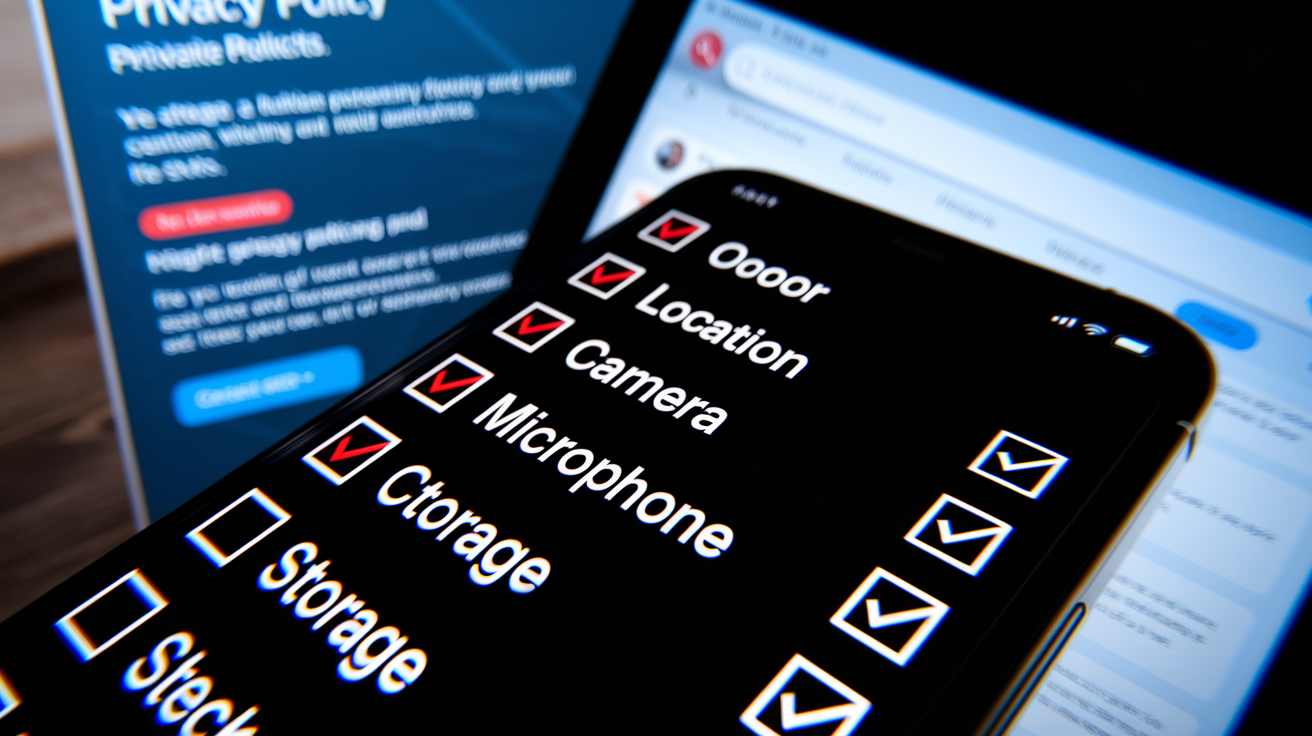
Permissions are the gateway to everything sensitive on your device. Android shows a granular list during install and needs explicit runtime consent for dangerous permissions like location, camera, microphone. iOS does something similar but prompts you the moment a feature tries to access a protected resource. Just-in-time flow gives more context, but it can also train you to reflexively tap “Allow.”
Unnecessary permissions? Clearest technical red flag you’ll find. A note-taking app doesn’t need SMS access. A weather app has no business with your contact list. A casual game should never ask for precise location unless it’s got location-based multiplayer. When permissions go beyond what’s functionally necessary, you’re usually looking at embedded advertising SDKs building behavioral profiles, analytics platforms correlating device identifiers across apps, or sloppy inclusion of third-party libraries that declare permissions the core app never actually uses.
You’ve got to match each requested capability to a user-facing feature. If the app’s description and screenshots don’t show anything that would need background location, camera, or microphone, the permission’s suspicious.
Six permissions that deserve extra scrutiny:
- Precise location: lets apps track you in real time. They should ask for approximate location unless they’re doing navigation or delivery.
- Camera and microphone: audio and visual surveillance if misused. Only media, communication, or scanning apps have clear reasons.
- Contacts: hands over names, phone numbers, email addresses. Often harvested to build social graphs or for unsolicited marketing.
- SMS and call logs: exposes communication metadata and message content. Rarely needed outside messaging or phone-replacement apps.
- Storage access: on older Android versions, gives broad file-system access. Can scrape photos, documents, other apps’ data.
- Background activity and “always” location: collects data when the app’s not in use. High risk for continuous tracking.
Cross-reference these with the privacy policy. If the policy doesn’t explain why a permission’s necessary or what data gets collected through it, that gap’s a red flag.
How to Read and Analyze an App’s Privacy Policy

Privacy policies are legal documents written to satisfy regulatory minimums, not to inform you. Developers meet the letter of GDPR, CCPA, or other laws by including required disclosures while burying the worst stuff in dense paragraphs or vague umbrella terms. Your goal isn’t to read every word. It’s to quickly locate the sections on data collection, data sharing, retention, and user rights, then evaluate how specific and honest those disclosures actually are.
Start by searching for key terms: “collect,” “share,” “third party,” “partners,” “affiliates,” “advertising,” “analytics.” These anchor the sections that matter. Look for a table or bulleted list naming specific data types. If the policy just says “we collect personal information” without defining what that means, it’s deliberately vague. A transparent policy will say “we collect device identifiers (IDFA, Android Advertising ID), precise GPS coordinates, and in-app browsing behavior.” Compare that to the App Store or Play Store privacy labels. If the label says the app collects identifiers but the policy omits them entirely, one document’s incomplete or misleading.
Watch for hedge words that signal broad, undefined data use. “May share data with partners for purposes that include but are not limited to marketing, analytics, personalization, and research” tells you almost nothing about who gets your data, for what specific purpose, or under what contractual limits. “May” and “include but are not limited to” are escape clauses letting the developer share data in ways not listed. A policy that says “we share device identifiers and approximate location with Google Analytics and Facebook SDK for attribution and campaign measurement” is far more honest, even if the practice itself raises concerns.
Data retention terms reveal how long your information sticks around. Look for statements like “we retain analytics data for 90 days” or “we delete inactive accounts after 12 months.” If the policy says “we retain data as long as necessary to fulfill our purposes” without defining those purposes or setting a time limit, the developer can keep your data indefinitely. Policies that skip retention entirely or use only vague language should be treated as high risk. Deletion rights matter too: does the policy explain how to request deletion, provide a timeline for honoring that request, and commit to deleting data from third-party processors? Or does it just offer a generic email address with no SLA?
Evaluating Data-Sharing Practices and Third‑Party Trackers
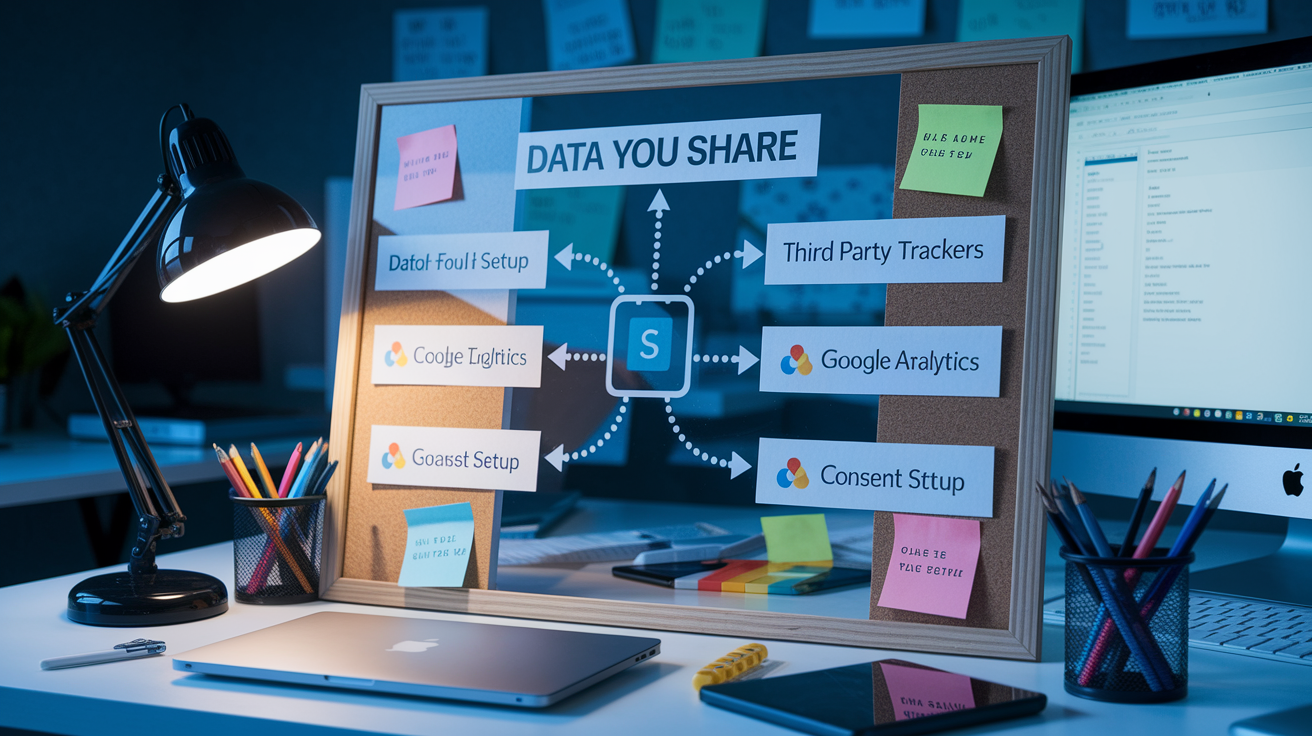
Data sharing means transmitting user information, device identifiers, behavioral events, or other telemetry to entities outside the app developer’s direct control. Most modern apps embed third-party software development kits for analytics, advertising, attribution, crash reporting, or A/B testing. Each SDK operates as a miniature app within your app, often with its own network connections. Many send data automatically on initialization. The moment you open the app, your device identifier, IP address, app version, and session timestamp get transmitted to the SDK vendor’s servers.
The risk? These SDKs aggregate data across many apps. An advertising SDK embedded in fifty different apps can build a detailed profile of your interests, habits, and movement patterns by correlating the shared device identifier. Even if the host app’s privacy policy claims “we do not sell your data,” the embedded SDK might be contractually permitted to use that data for its own purposes. Targeting you with ads in other apps or selling aggregated insights to data brokers. Privacy labels on the App Store and Play Store are supposed to disclose third-party data collection, but enforcement’s inconsistent. Developers self-report, and labels aren’t always updated when new SDKs get added.
You can detect likely tracker presence by reading the privacy policy’s third-party section and checking for named analytics or ad networks. Common names: Google Analytics, Firebase, Facebook SDK, AppsFlyer, Adjust, MixPanel. If the policy lists these services, data’s being shared. For a deeper check, security researchers use network traffic analysis. They run the app through a proxy or packet capture tool to observe which domains receive requests. If you see requests to domains like graph.facebook.com, app-measurement.com, or doubleclick.net within the first few seconds of launch, trackers are active. Average users won’t run packet captures, but you can infer tracker presence from permission requests. Apps that ask for the Advertising ID permission on Android or display an ATT prompt on iOS are using ad-targeting SDKs.
Encryption and Data Security Standards in Mobile Apps
Encryption protects data from interception during transmission and unauthorized access when stored. All apps should use HTTPS with TLS 1.2 or newer to encrypt network traffic between the device and the server. This is table stakes in 2026. Any app still making HTTP requests or using deprecated SSL/TLS versions exposes data to trivial man-in-the-middle attacks on public Wi-Fi. You can’t easily verify TLS configuration from the app store alone, but you can check whether the privacy policy mentions “encrypted transmission,” “HTTPS,” or “TLS.” You can also observe the app’s behavior on a monitored network if you’ve got the technical means.
End-to-end encryption is a stronger standard where only the sender and recipient hold decryption keys. Even the app developer’s servers can’t read message content. This approach is common in messaging apps like Signal or WhatsApp but rare in other categories. Most apps use server-side encryption, where data’s encrypted in transit and at rest on the server, but the server (and therefore the developer, any compromised admin account, and potentially law enforcement or attackers who breach the server) can decrypt it. The distinction matters for highly sensitive data. Health records, financial details, private communications.
Local storage encryption protects data saved on the device. iOS Keychain and Android Keystore provide secure, hardware-backed storage for credentials and tokens, but not all developers use them. Apps that store sensitive data in plain text files or unencrypted databases expose that information to anyone with physical access to an unlocked device or to malware with storage permissions. The privacy policy or security documentation should state whether local data’s encrypted and whether the app uses platform secure storage APIs.
| Encryption Type | Purpose | Typical Use Case |
|---|---|---|
| TLS 1.2/1.3 (Transport) | Encrypt data in transit between app and server | Every app making network requests; protects against interception on Wi-Fi or cellular |
| Server-Side Encryption (At Rest) | Encrypt stored data on the server’s disk | Cloud-based apps storing user profiles, settings, or content; developer can still access plaintext |
| End-to-End Encryption | Encrypt data so only sender and recipient can decrypt | Messaging apps, secure file sharing, healthcare or legal apps handling confidential records |
| Local Device Encryption | Encrypt data stored on device (Keychain, Keystore, encrypted DB) | Apps storing credentials, tokens, payment info, or personal notes; protects against device theft or malware |
Checking Developer Reputation and App History

Developer credibility predicts data practices. A developer with a history of privacy violations, frequent app rebrands, or a portfolio of cloned apps using different names to evade removal is way more likely to mishandle your data than an established developer with a consistent track record and transparent communication.
Start by reviewing the developer’s other apps in the App Store or Play Store. If the same developer publishes dozens of similar apps with slight variations, often using generic names and identical privacy policies, that pattern screams low-effort, high-volume strategy focused on ad impressions rather than quality or user trust. Check reviews across the developer’s portfolio for recurring complaints about unexpected data usage, aggressive ads, or unexplained battery drain. All of which can signal background data collection or tracker abuse.
Five credibility indicators worth evaluating:
- Consistent branding and contact information: legitimate developers provide a website, support email, and physical address. Frequent name changes or missing contact details suggest evasion tactics.
- Update frequency: apps updated within the last 90 days are more likely to have current security patches and compliance with new platform privacy requirements. Apps abandoned for over a year might have known vulnerabilities.
- Transparent privacy policies: policies that name specific third parties, define retention periods, and provide clear deletion instructions indicate a developer who takes compliance seriously.
- Regulatory history: search the developer’s name alongside “GDPR fine,” “FTC settlement,” or “data breach.” Past enforcement actions are strong negative signals.
- User review themes: filter reviews by recent and low-star, then look for patterns mentioning privacy concerns, unexpected permissions, or data misuse. Isolated complaints are normal, but repeated themes across many reviews are red flags.
Common Red Flags That Signal High Privacy Risk

Certain patterns show up repeatedly in apps that prioritize data extraction over user trust. Recognizing these red flags lets you make faster, more confident decisions about which apps to avoid.
Aggressive permission requests at install time, especially permissions unrelated to the app’s stated function, are the most visible warning sign. If a flashlight app asks for contacts, location, and microphone, the developer’s either incompetent or deliberately embedding trackers that require those permissions. Either explanation disqualifies the app.
Vague or outdated privacy policies signal low investment in compliance and user transparency. If the policy’s a generic template with placeholder text like “[Company Name]” or lists a last-updated date more than two years old, the developer hasn’t adapted to recent privacy regulations or platform requirements. Policies that avoid naming specific data types, third parties, or retention periods are written to obscure, not inform.
Excessive embedded SDKs and advertising networks create a wide attack surface and increase the likelihood of data leakage. Apps that display intrusive interstitial ads, autoplay video ads, or ads that trigger on every screen transition are monetizing attention aggressively and likely sharing behavioral data with multiple ad networks to optimize targeting. The more ad SDKs present, the more entities receive your device identifier, session data, and in-app actions. User reviews mentioning “too many ads,” “constant pop-ups,” or “ads that follow you to other apps” confirm heavy tracker presence and cross-app tracking.
Recommended Tools for Evaluating App Privacy

Manual inspection of permissions, policies, and labels covers most use cases, but a small set of tools can provide deeper insight. Especially for users with modest technical skills or those evaluating apps for organizational use.
Permission scanners show the full list of requested permissions and compare them to functional necessity. Some tools flag permissions commonly associated with tracking or data harvesting. These scanners are most useful on Android, where permissions are declared in the app manifest and can be extracted without running the app.
Tracker detectors identify known third-party SDKs embedded in the app by scanning the app package or analyzing network traffic during a test session. Tools in this category often maintain databases of tracker signatures and can report how many distinct tracking libraries are present and which ad networks or analytics platforms they belong to. This goes beyond what privacy labels reveal and can expose undisclosed data-sharing relationships.
Network monitors and packet-capture tools let technically inclined users observe real-time data transmission. By routing app traffic through a local proxy, you can see which domains the app contacts, what data gets sent in API requests, and whether any transmissions occur before you grant consent. This method’s the gold standard for verifying privacy claims but requires setup and some knowledge of HTTP headers and JSON payloads.
Six tool categories to consider for practical app evaluation:
- Permission scanners: analyze declared permissions and flag excessive or unnecessary requests.
- Tracker detectors: identify embedded third-party SDKs and ad libraries by signature or behavior.
- Network traffic monitors: capture and display outbound requests to reveal data transmission in real time.
- Privacy policy analyzers: scan policy text for vague language, missing disclosures, or compliance gaps.
- Security and privacy rating databases: crowdsourced or expert-curated ratings that score apps on data practices, permissions, and past incidents.
- Update and version-tracking tools: alert you when an app changes its permissions, privacy policy, or embedded SDKs between versions.
Final Words
Start with the quick checklist: scan app permissions, compare required access to features, read the privacy policy, and spot third-party trackers. Do the basic checks first so you can decide fast.
The post shows how to read permissions, spot vague policy language, check encryption, research developer history, and use tools for deeper inspection.
Use this guide, How to evaluate app privacy: a practical checklist for reviewing Android and iOS apps, as your routine, it usually takes a few minutes and keeps your data safer.
FAQ
Q: What quick steps should I use to assess an app’s privacy risk?
A: To quickly assess an app’s privacy risk, follow this checklist: check permissions; compare features vs permissions; read the privacy policy; identify data categories; compare Android/iOS labels; research developer; check data-sharing; review updates.
Q: Which app permissions are highest risk?
A: High-risk permissions include precise location, microphone, camera, contacts, SMS, and access to device identifiers; they often allow sensitive collection or continuous tracking and should match the app’s features.
Q: How do I compare an app’s claimed features to the permissions it requests?
A: To compare features to permissions, list core features, match each feature to required permissions, and flag permissions that don’t clearly support any claimed feature as suspicious.
Q: How do I read a privacy policy to spot red flags?
A: To read a privacy policy for red flags, look for vague terms like “may” or “partners”, unclear retention periods, broad sharing clauses, and missing explicit data categories or processing purposes.
Q: How can I detect third-party trackers inside an app?
A: You can detect third-party trackers by checking privacy labels, running tracker detectors or network monitors, reviewing embedded SDK names, and watching for analytics or ad-related domains in traffic.
Q: Is encryption alone enough to keep my app data safe?
A: Encryption helps but isn’t enough alone; look for HTTPS/TLS 1.2+ for data in transit, clear storage encryption, and note that end-to-end encryption is rare outside messaging apps.
Q: How do I evaluate a developer’s reputation and app history?
A: To evaluate developer reputation, check app reviews and update frequency, search for past violations or rebrands, confirm company contact info, and compare privacy behavior across their apps.
Q: What common red flags signal a high privacy risk?
A: Common red flags signaling high privacy risk include excessive or unrelated permissions, vague privacy policies, many advertising SDKs, frequent rebrands, and recurring user complaints about unexpected data use.
Q: What tools should I use to evaluate an app’s privacy?
A: Use permission scanners, tracker detectors, network traffic monitors, privacy policy analyzers, security-rating services, and update-tracking tools to get a layered, practical view of app behavior.
Q: How often should I re-check an app’s privacy status?
A: You should re-check an app’s privacy after each major update and at least every one to three months, or immediately if the app requests new high-risk permissions.