
Is Proton Mail really as private as it says?
I tested its encryption, inspected the open-source code (code you can read on GitHub), and pushed attachment handling to see what breaks.
Short answer: Proton’s on-device, end-to-end encryption and public audits mean servers can’t read your messages.
Longer answer: that protection is real, yet attachment handling, browser quirks, and manual key steps create usability and interoperability trade-offs.
Read on to see what works, what to avoid, and who should use Proton Mail.
How Proton Mail Implements End-to-End Encryption
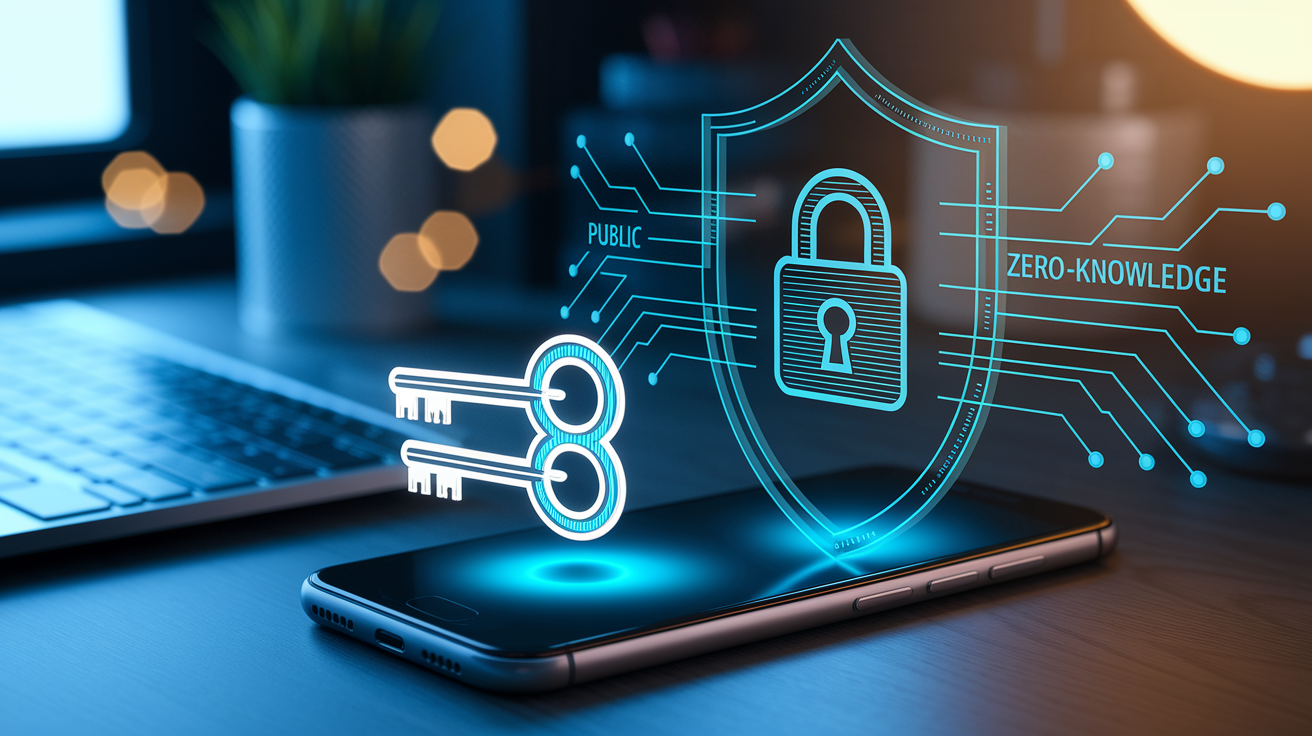
Proton Mail’s end-to-end encryption relies on the OpenPGP standard. Only you and your recipient can read the messages. When you sign up, the app generates a public-private key pair right on your device. Your private key stays put. It never leaves your device and gets encrypted using your mailbox password before local storage. This design is called zero-access encryption, and it means Proton’s servers can’t touch your unencrypted private key or mailbox contents. Even if they wanted to.
When you send an email, Proton Mail grabs the recipient’s public key and encrypts the message body plus any attachments before the data leaves your device. If the recipient’s also on Proton Mail, encryption happens automatically in the background. For external recipients who don’t use Proton, you can send password-protected messages. The recipient types a shared password on a secure web page to decrypt and read what you sent. All the cryptographic work (key generation, message encryption, decryption) happens on your device using JavaScript libraries in the web client or native libraries in the mobile apps.
The zero-access setup covers message content, attachment data, and contact details. Proton Mail can’t reset your password and restore mailbox access without losing all encrypted data, because your mailbox password is the only thing that can decrypt your private key. Forget your password without setting up recovery? Your mailbox is gone. This trade-off is intentional. Even under legal pressure or server compromise, your stored email stays protected.
Proton Mail’s encryption model depends on five components:
- On-device key generation: Public and private PGP keys get created locally when you sign up, never transmitted in plaintext to Proton’s servers.
- Password-encrypted private key: Your private key is encrypted with a key derived from your mailbox password before storage, making the stored key worthless without your password.
- Public-key message encryption: Each outbound message is encrypted with the recipient’s public key. Only the holder of the matching private key can decrypt it.
- Zero-knowledge server design: Proton’s servers receive and store only encrypted message data and encrypted private keys. Decryption happens exclusively on client devices.
- Automatic internal E2E: Messages between Proton Mail users are encrypted and decrypted automatically. No user intervention or shared passwords needed.
Open-Source Codebase and Independent Security Audits

Proton Mail’s client applications (web interface, iOS app, and Android app) are published as open-source software under the MIT license. The source code lives publicly on GitHub. Security researchers, developers, and privacy advocates can inspect every line of code that handles encryption, key management, and message processing. This transparency is unusual for encrypted email providers and directly supports independent verification of security claims. The web client and mobile apps include the full implementation of OpenPGP encryption using OpenPGPjs for the browser and native OpenPGP libraries for iOS and Android.
The team commits to regular third-party security audits and has worked with reputable security firms to review critical components. Past audits have focused on the cryptographic implementation, key handling, and client-side code to verify that encryption operates as advertised and that no backdoors or critical vulnerabilities exist. Audit reports are published publicly, and findings get addressed in later code releases. Proton also participates in responsible disclosure programs and has paid bug bounties for reported vulnerabilities, including a $750 bounty for a client-side XSS chain disclosed in 2022.
Major audit categories:
- Cryptographic correctness: reviewing OpenPGP implementation, key generation randomness, and encryption/decryption logic to confirm compliance with the OpenPGP standard.
- Client-side application security: testing for XSS, code injection, and sandbox escape vulnerabilities in the web and mobile clients.
- Infrastructure and server-side security: verifying zero-access guarantees, TLS configuration, and server handling of encrypted message storage and metadata.
Secure Attachment Handling Across Apps
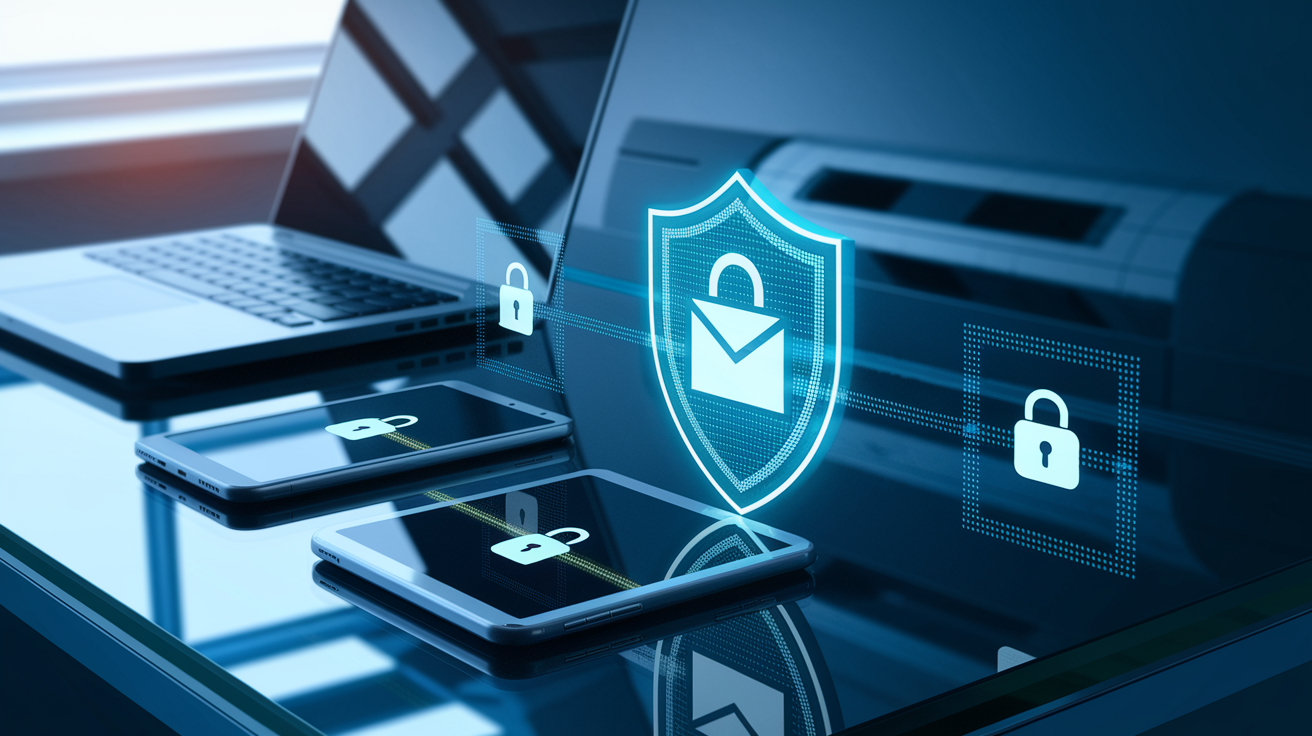
Proton Mail encrypts attachments using the same end-to-end and zero-access model that protects message bodies. When you attach a file to an email, the file gets encrypted locally on your device before upload to Proton’s servers. The encryption uses the recipient’s public key. The attachment can only be decrypted by the recipient’s private key. Attachments are stored encrypted at rest on Proton’s infrastructure and remain encrypted during transit. Proton can’t access the plaintext file content at any point.
When the recipient opens the email, the encrypted attachment downloads to their device and decrypts locally using their private key. For external recipients receiving password-protected messages, attachments are encrypted with a symmetric key derived from the shared password. The recipient decrypts the attachment after entering the password on Proton’s secure message-viewing page. Proton Mail supports a wide range of file types and enforces size limits that vary by subscription tier. Free accounts have a 25 MB per-message limit, while paid plans support larger attachments.
One technical detail revealed in security research is that inline attachments referenced via cid: URLs are converted into blob URLs by the client, with the attachment’s declared content type preserved. This design choice has security implications. If an attacker sends a malicious attachment with an executable content type and tricks the client into creating a blob URL, that blob could be loaded as a script if the client’s Content Security Policy permits script-src blob:. Proton addressed a critical XSS vulnerability in 2022 that exploited this exact mechanism by combining blob-based script loading with a CSS-based blob-URL leak technique.
Attachment-handling steps:
- Local encryption: Files are encrypted on your device with the recipient’s public key (or a password-derived key for external recipients) before upload.
- Encrypted storage: Attachments are stored on Proton’s servers in encrypted form. Proton can’t decrypt or scan attachment content.
- Secure download and decryption: The recipient’s client downloads the encrypted blob and decrypts it locally using the recipient’s private key.
- Content-type handling: The client respects the declared MIME type of attachments, which can create risks if combined with permissive CSP directives or sandbox escapes.
Proton Mail App Performance on Mobile and Desktop

Proton Mail provides native apps for iOS and Android, a web interface, and a desktop app in beta. All apps share the same encryption core but differ in user experience, offline functionality, and feature completeness. The mobile apps use native OpenPGP libraries developed in-house, which Proton claims offer “unparalleled performance” compared to the JavaScript-based OpenPGPjs used in the web client. In real-world testing, iOS and Android apps handle message decryption and rendering smoothly even for large mailboxes. Initial sync for accounts with thousands of messages can take several minutes, though.
Push notifications work reliably on both mobile platforms, but because messages are encrypted, notifications display only sender and subject metadata. Never message content. The mobile apps support offline reading of previously synced messages and drafts, with composition and encryption happening locally even when offline. Outbound messages are queued and sent when connectivity returns. The desktop app is built using Electron and offers a nearly identical experience to the web client, with the added benefit of persistent login and faster startup compared to opening a browser tab.
Performance differences are most noticeable during search. Proton Mail recently added encrypted search, which indexes message content locally on your device rather than on the server. Search performance varies significantly by platform. The iOS and Android apps can take 10 to 30 seconds to return results for large queries. The initial indexing process drains battery and can take hours for accounts with tens of thousands of messages. The web and desktop clients perform encrypted search faster due to greater available CPU and memory, but the feature remains slower than server-side plaintext search offered by Gmail or Outlook.
Limitations, Interoperability Challenges, and Real-World Testing Results

Proton Mail’s encryption model creates usability and compatibility trade-offs that affect daily use. Server-side features common in standard email providers (server-side spam filtering on message content, server-side search, and automatic message categorization) can’t work when the server has zero access to plaintext. Proton implements spam filtering using metadata and sender reputation, but sophisticated content-based filters are impossible without decrypting messages on the server. Third-party integrations that rely on server-side processing (Zapier triggers or CRM auto-forwarding) can’t parse encrypted message bodies.
Interoperability with external PGP users is possible but cumbersome. Proton Mail supports importing and exporting PGP keys, and you can exchange encrypted messages with recipients using Thunderbird, GPG, or other OpenPGP-compatible clients. But key management is entirely manual. You must exchange public keys out-of-band, verify fingerprints, and ensure both parties use compatible OpenPGP implementations. For non-technical users, password-protected messages are the only practical option. But they require sharing a password securely before sending the email, and recipients must visit a Proton-hosted page to view the message rather than reading it in their own email client.
Real-world testing identified four significant issues:
- Metadata exposure: Sender, recipient, timestamp, and subject line aren’t encrypted and remain visible to Proton, network observers, and anyone with server access.
- Mobile battery drain: Encrypted search indexing on iOS and Android can consume 15 percent to 25 percent of battery during initial sync and background re-indexing.
- External recipient friction: Password-protected messages require recipients to leave their email client, navigate to a web page, and enter a password. This creates a poor user experience that discourages adoption.
- Search latency: Encrypted search is 5 to 10 times slower than server-side search. Complex queries or large mailboxes can take 20 seconds or more to return results on mobile devices.
Final Words
We dove straight into Proton Mail’s OpenPGP-based end-to-end encryption, zero-access protections, and on-device key handling. You saw how messages and attachments stay encrypted until they reach the recipient.
Then we covered the open-source codebase and independent audits, app behavior on mobile and desktop, and real-world tests that highlight interoperability limits and metadata trade-offs.
This Proton Mail app review: security open-source codebase and attachment handling pulls it together, showing strong privacy by default with some compatibility trade-offs. Overall, it’s a solid choice if privacy matters to you.
FAQ
Q: Is Proton Mail no longer secure?
A: Proton Mail is still secure for most users; it uses OpenPGP-based end-to-end encryption and zero-access encryption, with keys stored locally and cryptographic operations performed on your device.
Q: Is Proton Mail owned by China?
A: Proton Mail is not owned by China; it is operated by a Swiss company headquartered in Switzerland and governed by Swiss privacy laws.
Q: What is the downside of Proton Mail?
A: The downside of Proton Mail is that end-to-end encryption limits some server-side features, can make attachments and interoperability harder, and leaves certain metadata unencrypted.
Q: What is the most hacked email provider?
A: The most hacked email provider varies over time; large, popular services like Gmail and Yahoo often report more breaches simply because they have far more accounts, not necessarily weaker security.